
Say who you'd like to meet
Choose the ages, sexes, languages and region you're open to. Those same choices decide who can find you.
Stranger chat for adults · Android
YapRoll skips the browsing and the swiping. It pairs you with the first person online who fits what you're looking for, and that pairing becomes a conversation that lasts as long as the two of you keep it going.
How it works
Choose the ages, sexes, languages and region you're open to. Those same choices decide who can find you.
YapRoll pairs you with the first person who fits and has the app open right now. You get one person, straight away, and you can say hello before you've had time to overthink it.
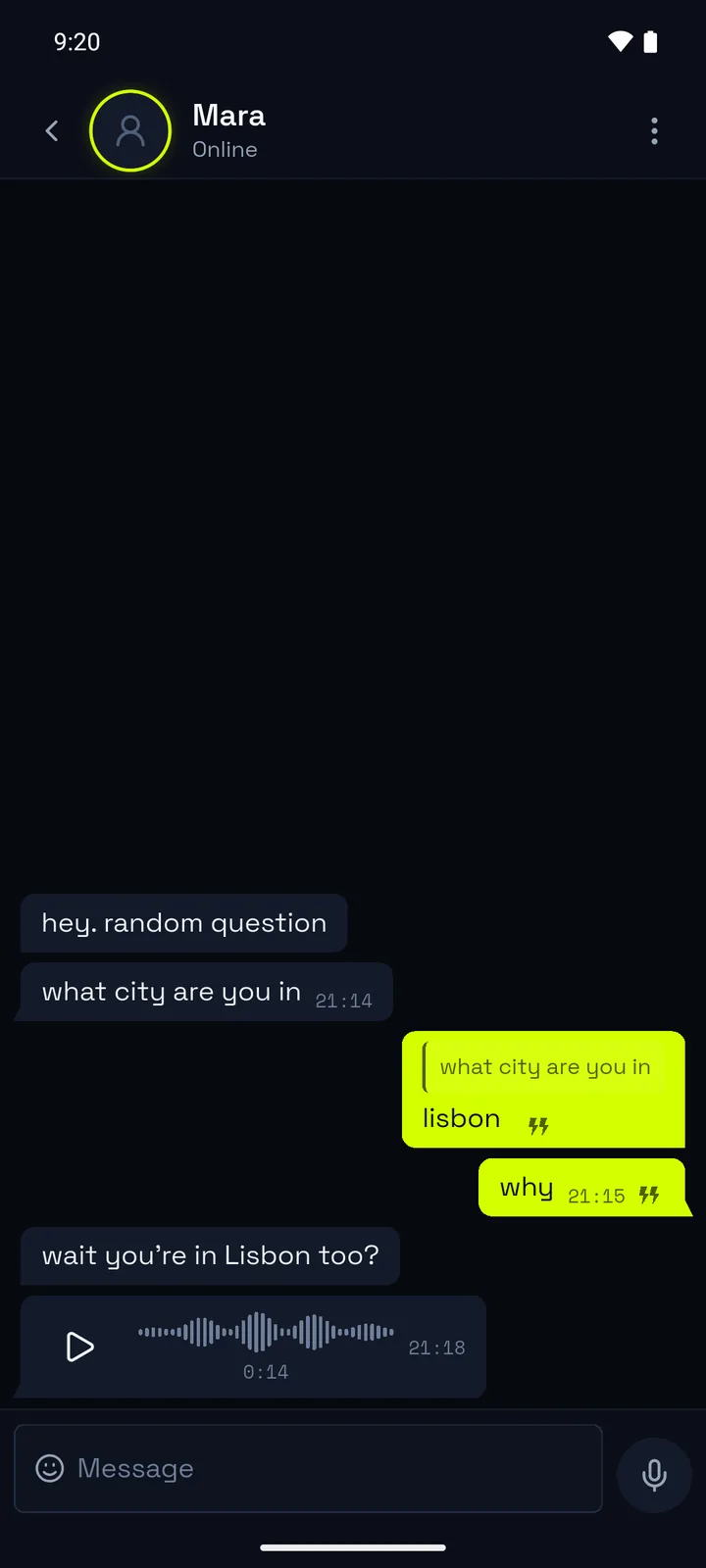
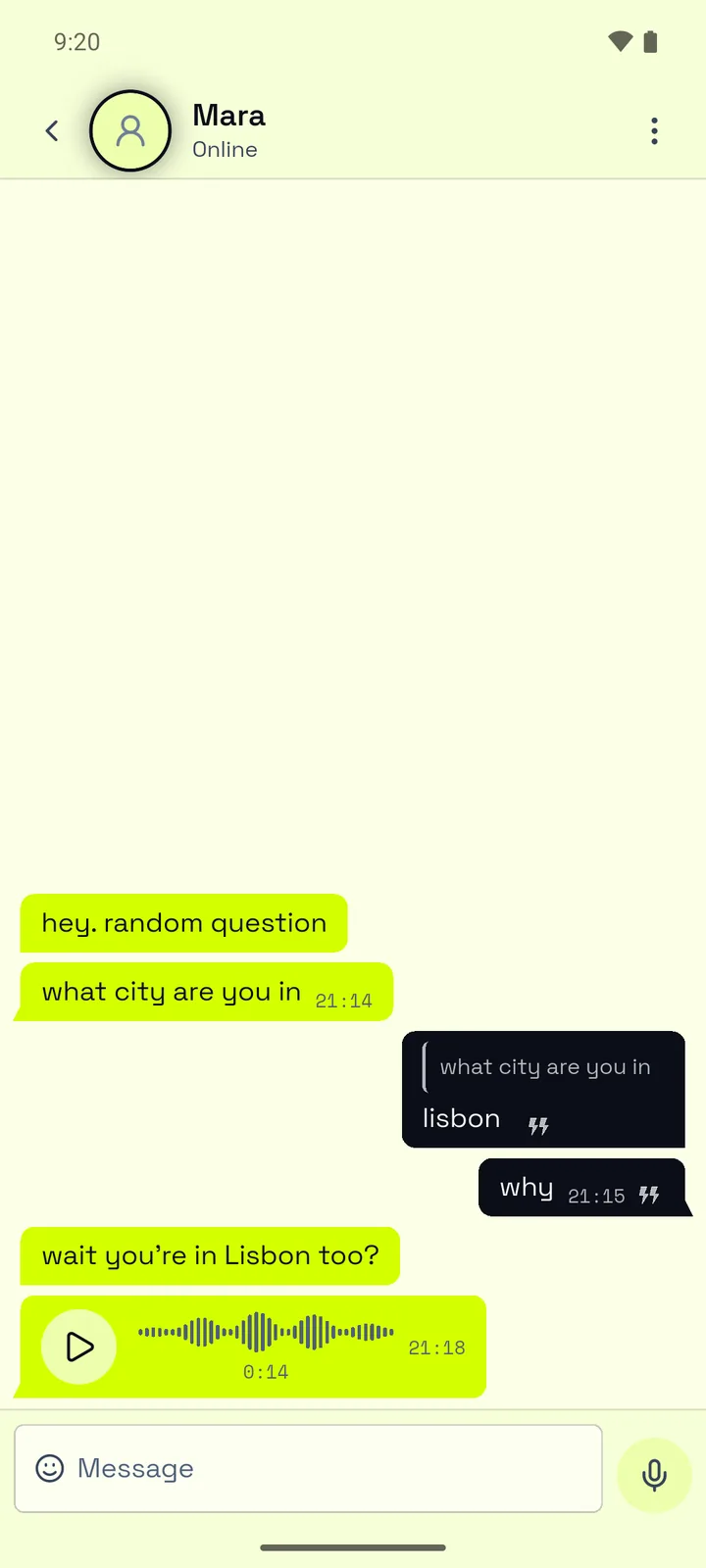
The pairing becomes a conversation in your Chats. You can type, or send voice notes and GIFs, and you'll see when each message is delivered and read. And if it isn't going anywhere, tap Delete for both and it's gone from both phones.
Why YapRoll
There's no directory of profiles here and no way to look anyone up. You meet people on YapRoll when the app pairs you, so the only people who ever see your profile are the ones you're already talking to. We think that's how it should be.
Safety
You give your date of birth when you sign up, and the app won't create an account for anyone under 18. Nobody else ever sees it.
Every profile photo goes through an automatic check before anyone else can see it. If the check isn't sure, a moderator takes a look, and a photo that breaks the rules comes down straight away.
Both are in the menu of every conversation. Once you block someone they can't reach you again, and nothing tells them you did it.
When you report someone, a moderator looks at it within 24 hours, with the last 20 messages of that conversation exactly as they were when you sent it. If we act on an account, its owner can see what we did and why under Account notices.
Ad-free
The free version shows a banner and, now and then, a full-screen ad. A subscription removes both, and it also keeps your account clear of the 90-day clean-up of inactive accounts. You can pay monthly or yearly through Google Play, which shows you the price before you buy.
Google Play handles the billing, so you can change or cancel from Play's subscriptions page, or tap Manage subscription in the app's Settings.